Sales Inquiries: (336) 849-5262
Existing Clients: (336) 714-4469

Outsourced IT Support for North Carolina Businesses
We're there for you like a friendly neighbor.
Trusted by over 100 companies in North Carolina to fix IT issues fast, keep your teams productive, and provide safe, reliable security.





Book a consultation
We’ll assess your current IT setup, identify gaps, and outline what we’d improve. Schedule a 15-minute call so we can get right to the point.

meet the LOCAL team of EXPERT TECHNICIANS WHO really CARE

Natasha Parker
President

Krista Stein
Director of Services & Support

Sybil Cain
Regional Vice President

Gregory Hodge
Virtual IT Director

Natalia Carrillo
Senior Solutions Consultant

Enrique Moses
General Manager, [Location]

Mac Gilmore
Client Services Manager

Dorothea Massey
Marketing Manager
Robyn Hogan
Engineer

Andrew Womack
Tier 1 Helpdesk

Emily Feria
Tier 1 Helpdesk

Shaman Cleveland
Tier 2 IT Support

Taylor Brown
Tier 2 IT Support

Ross Dickson
Field Technician

Robbie Watt
Senior Engineer

Sri Subramanian
Application Developer

Ken Vuncannon
Head of Application Development

Chris Deitrick
Partner

Chloe Curtis
Partner
Are These IT Challenges Holding You Back?
You're not alone, many growing businesses face the same roadblocks.
No Clear Technology Plan
Without a strategic IT partner guiding your roadmap, decisions feel reactive and opportunities for growth are missed.
Downtime That Disrupts Your Team
Slow responses, recurring issues, and unstable systems create costly interruptions that distract your team from real work.
Security Gaps That Put You At Risk
Missing protections or inconsistent security practices increase vulnerability to data loss and operational disruptions.
why businesses work with navarac
Want to see your cyber score?
Get it in 60 seconds!
Your Cyber Score is like a health check for your business’s online security. A strong score means your emails are protected and your data is safe. A low score? That’s a sign your business could be at risk, and it’s time to take action. Learn more about the cyber score.
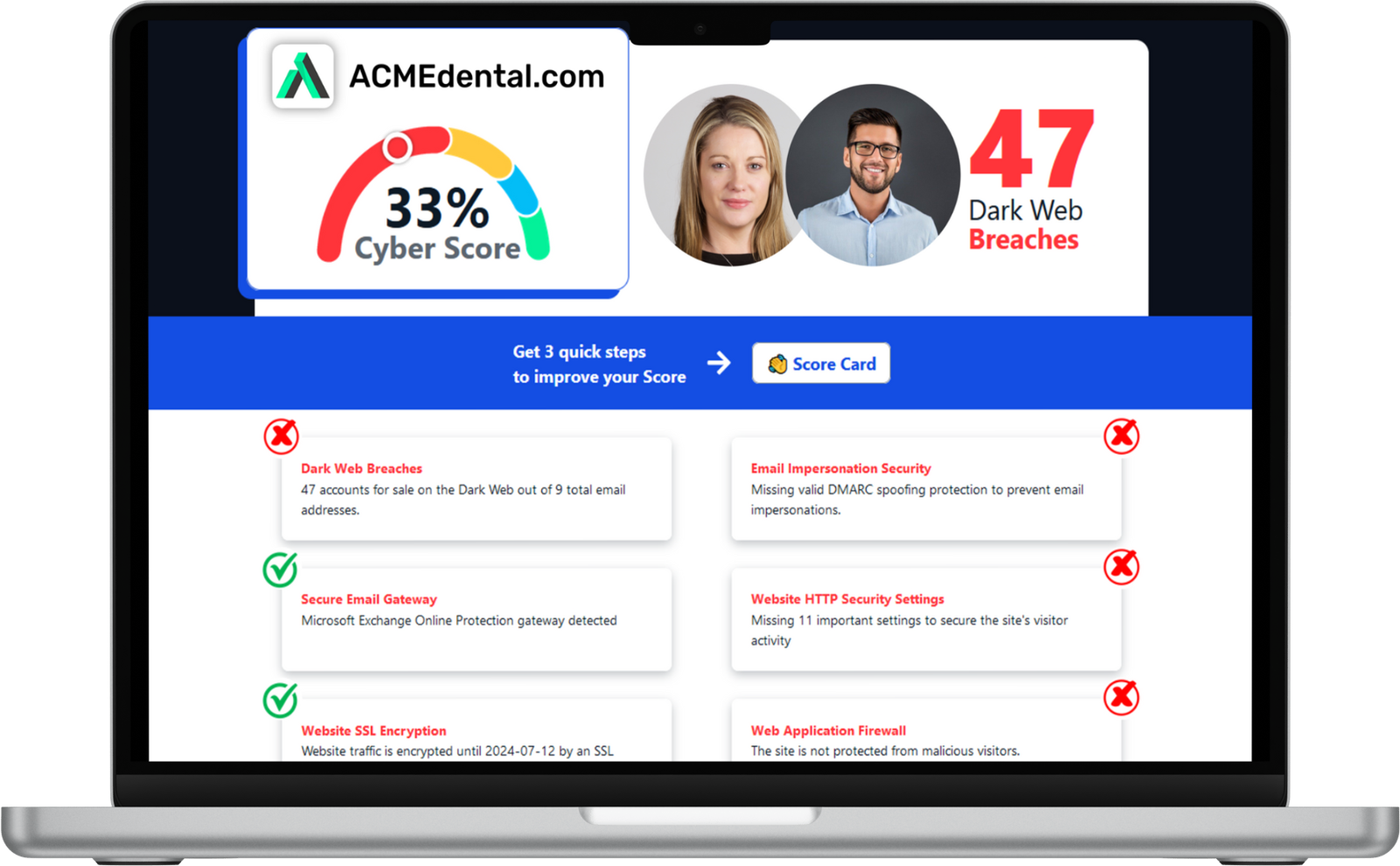
Enter your website address to get your score:
Why Businesses Choose Navarac
Strategic IT Guidance
Clear, proactive advice helps your organization make smart decisions, plan ahead, and grow with confidence.
Reliable Performance
Systems stay stable, fast, and dependable, allowing your team to stay productive without interruptions.
Stronger Security, Built In
Layered protection, active monitoring, and industry-leading tools safeguard your data and keep operations secure.
Proactive Problem Solving
Navarac identifies issues early, addresses root causes, and ensures your business stays running smoothly.

why businesses work with navarac
Peace of Mind at an Affordable Flat Monthly Fee
I have been at this school for 10 years now and no matter which Navarac Support Specialist comes to help, they are professional, knowledgeable, and fast. They answer all questions we have and help as soon as they can...which is pretty quick. Lately, we've been working with Taylor Brown and he's great. He's easy to talk to because he doesn't make us feel dumb about any question (especially if it's as simple as restarting the computer) and he understands what we are trying to get help on. He comes prepared with his bag full of tools, knows what he's doing, and knows that we need certain things fixed quickly and does his best to accommodate.

Christina Hackl
A Trustworthy, Transparent Partner
Our school has relied on Navarac for our IT needs for many years, and we highly recommend their services. We are especially grateful for Taylor's exceptional ability to help us troubleshoot complex issues and fix our mistakes with patience and expertise.

Francesca Jewell
One of the Best Companies Around
These folks have been great! I've never had a question or problem that wasn't addressed immediately. Sometimes I ask about things that they're not even responsible for, and they still offer some help.

James Agar
Schedule an Appointment Today
What Navarac Delivers

Managed IT Services
Proactive monitoring and fast support to maintain efficiency and minimize downtime.

Cybersecurity Protection
Comprehensive security that defends critical data, detects threats early, and protects every device and user.

Custom Software Solutions
Purpose-built applications designed to streamline workflows and increase productivity across your operations.

Cloud IT Support
Secure, scalable cloud solutions that provide seamless access to tools and data from any location.

vCIO Strategic Guidance
Technology leadership that aligns your IT roadmap with long-term organizational goals.

Voice And Connectivity
Reliable communication systems that deliver clear calls, strong networks, and easy collaboration.
Industries Navarac Supports
Navarac provides tailored IT solutions for organizations that rely on security, efficiency, and dependable technology.

Nonprofits

Banking & Financial Services

Healthcare
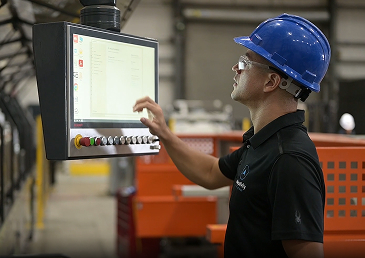
Heavy Manufacturing

E-Commerce &
Digital Marketing

Legal Services
Industries Navarac Supports
Navarac provides tailored IT solutions for organizations that rely on security, efficiency, and dependable technology.

Trusted By





















Industries Navarac Supports
Navarac provides tailored IT solutions for organizations that rely on security, efficiency, and dependable technology.
Stay Ahead With Expert IT Services Insights
Our blog provides practical IT guidance, security updates, and real-world lessons from the work we do every day.
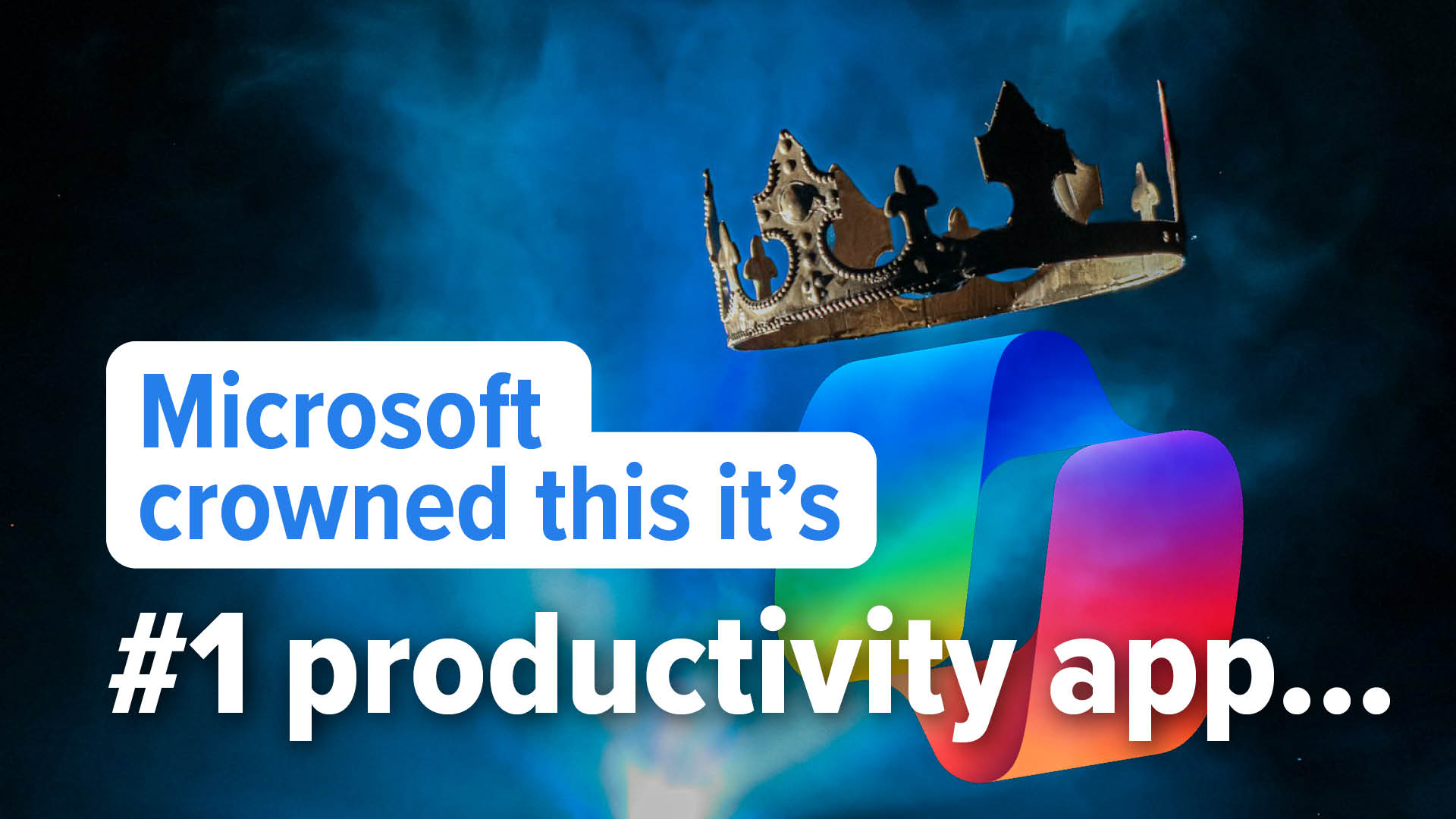
Is this the top productivity app in Windows 11?
There’s a lot of noise around next-generation productivity right now. But the real question for any business owner is simple: Is it making your team more efficient, or is it just adding another layer... ...more
News
June 07, 2026•2 min read

Don’t trust AI with this security essential
Are the passwords protecting your business as strong as you think they are? There’s a growing shortcut that looks clever on the surface, and feels efficient, but could weaken your security without you... ...more
Cybersecurity
May 31, 2026•2 min read

Relying on Windows 10 extended support? Time to upgrade
Still relying on Windows 10 with Extended Security Updates? Your safety net has an end date and it’s approaching fast. When it disappears, so does your protection. If Windows 10 is still part of your ... ...more
News
May 25, 2026•2 min read
Frequently Asked Questions
Who does Navarac serve?
We help growing businesses that want reliable, proactive IT with security baked in. Clients often have compliance concerns, run Microsoft 365, and want a partner who is accessible, transparent, and accountable for outcomes. We also serve nonprofits, financial services, manufacturing, legal, and healthcare organizations.
Where is on-site support available?
We provide on-site IT services in the Triad region, Charlotte, and surrounding areas within roughly 90 minutes. This local coverage ensures responsive, dependable support when in-person help is required. Remote support is also available for businesses beyond this range.
How quickly can a new client get set up?
We can implement a basic IT structure within weeks while also taking time to deeply understand your business and identify opportunities to maximize the benefits technology can provide. Our goal is to make the transition simple and stress-free.
How is pricing determined?
Pricing is based on user count, system complexity, and service level. Navarac provides easy to understand pricing focused on delivering strong long-term value.
Your Partner For Smarter, Stronger IT
Navarac helps organizations build reliable, secure, and future-ready technology environments.
With clear communication, strategic direction, and dependable support, your business gains an IT foundation designed for growth.
Headquarters
Winston-Salem: 1300 Westgate Center Drive
Winston-Salem, NC 27103
Charlotte: 10130 Perimeter Parkway, Suite 200,
Charlotte, NC 28216